


Always know what’s next
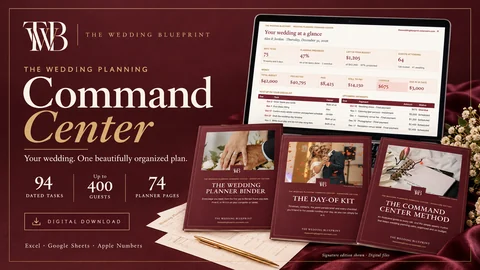
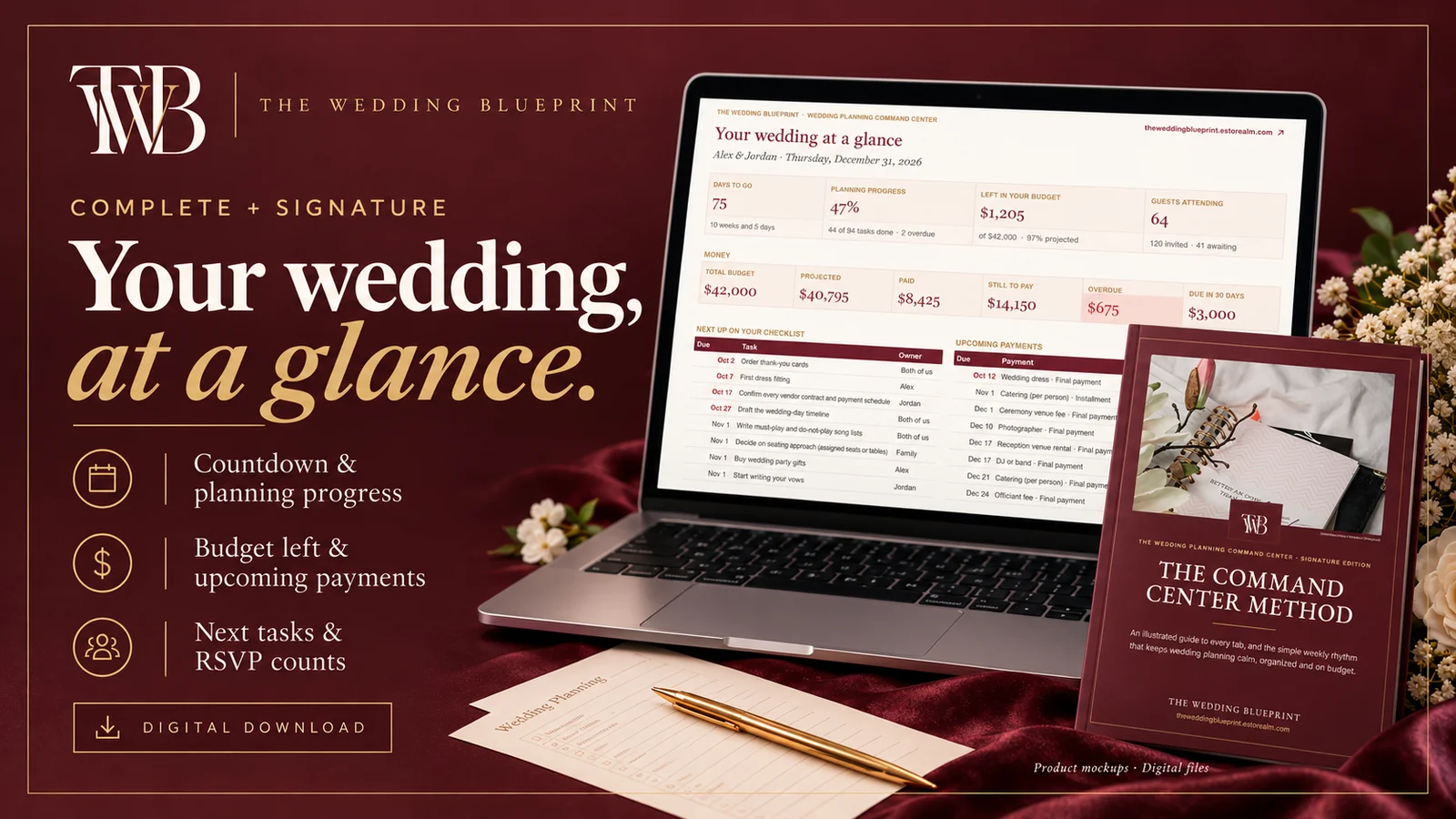
94 tasks from engagement to thank-you notes, each due date calculated from your wedding day. Change the date and everything moves.
Planning bundles
Guides & more
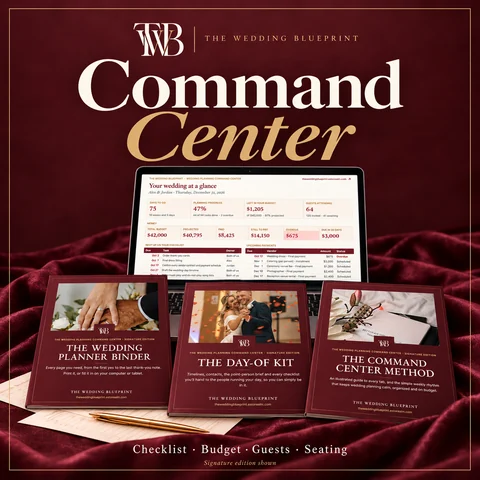
 Most couples start hereThe Wedding Planning Command Center
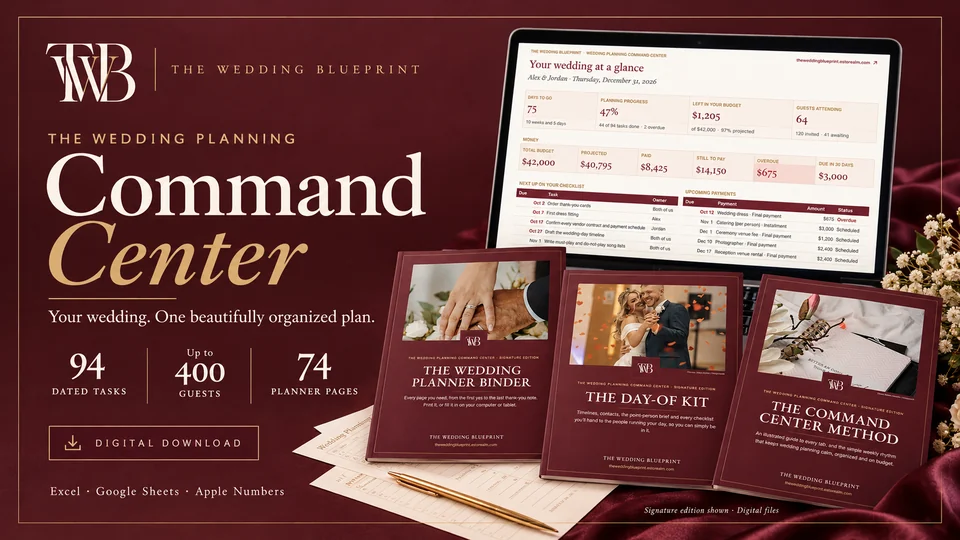
Wedding planner spreadsheet + printable planner
Your whole wedding in one beautiful workbook: a checklist that dates itself, a budget you can trust, every guest, every vendor and a seating chart that fills itself in.
Launch offer · 50% off, applied at checkoutThree versions, from Essentials to Signature. You choose on the next page.

Made by The Wedding Blueprint, the team behind 115 researched wedding articles, 40 wedding topics and 26 free planning tools. Written for US weddings.
How we researchWhy couples use it
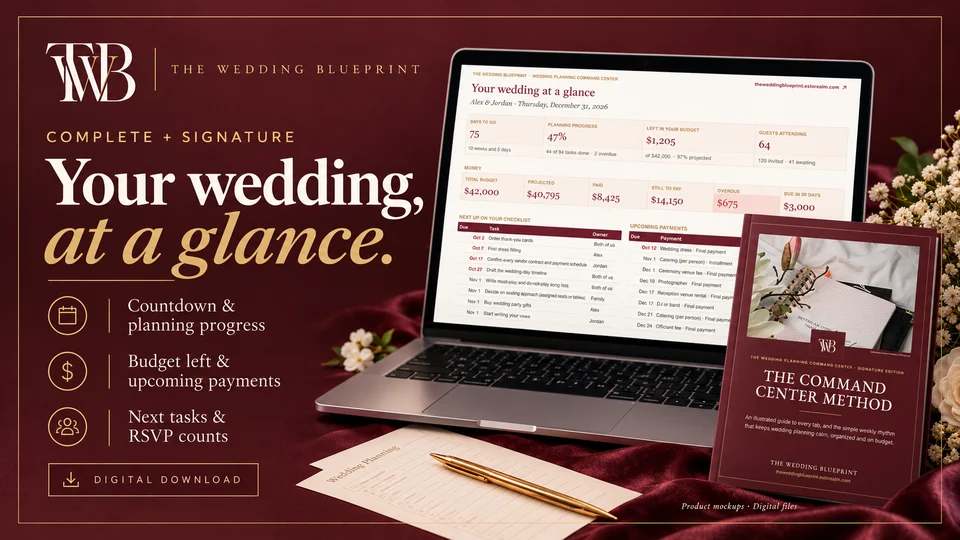
Notes on your phone, a budget in one tab, the guest list in another, vendor emails everywhere. The Command Center puts every decision in a single workbook. Enter your names, date and budget once, and the rest of the workbook updates around them.
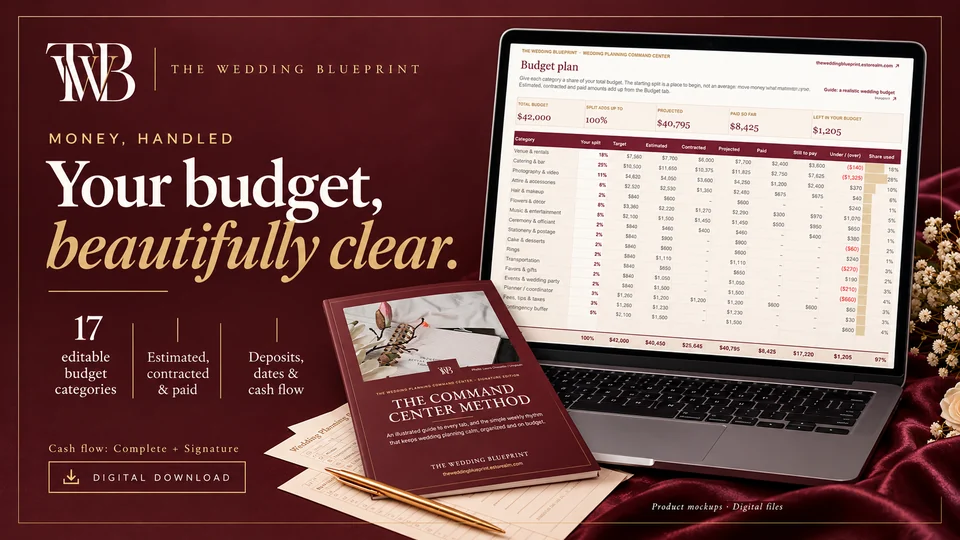
94 tasks from engagement to thank-you notes, each due date calculated from your wedding day. Change the date and everything moves.
Plan 17 categories, log every estimate, then switch to the contracted price once you book. See projected, paid and still to pay.
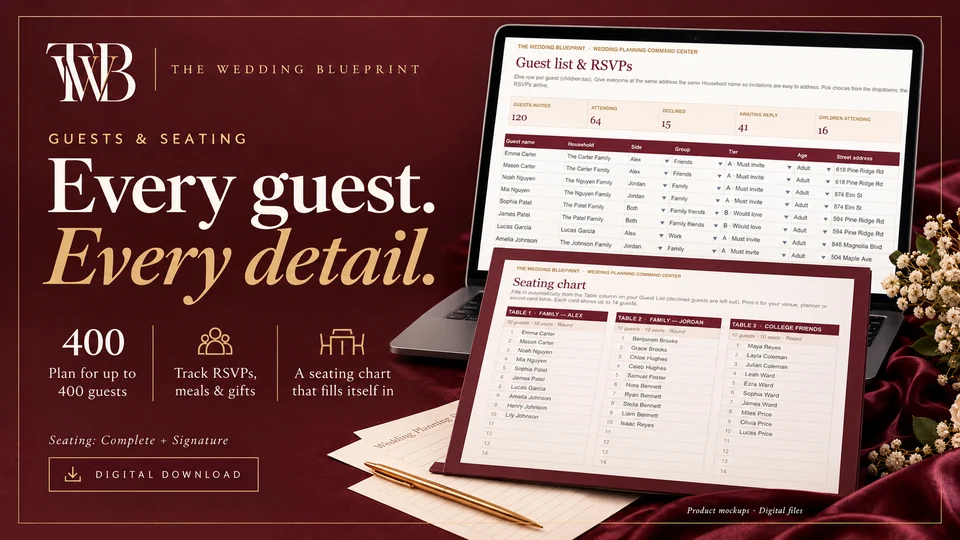
One row per guest, up to 400: RSVPs, meals, gifts and thank-yous. Type a table number and the printable chart fills itself in.
Look inside
What’s inside
The Command Center comes in three versions. Essentials covers the core planning tabs. Complete adds the Dashboard, payments and seating; it’s the one most couples choose. Signature adds the day-of timeline, the printable planner binder, the Day-of Kit and all five Complete Wedding Blueprint ebooks.
How it works
Microsoft Excel (Windows, Mac or web; 2021 or Microsoft 365 recommended) and Google Sheets (free). Apple Numbers opens it too. The PDFs work in any reader; the binder imports into GoodNotes and Notability.
Questions
Lost your download? Use your Gumroad library or reply to your receipt.
No. Google Sheets is free and works with every feature. Upload the file to Google Drive and choose File → Save as Google Sheets.
Yes. In Google Sheets, use Share and add them as an editor. With Excel, save it to OneDrive and share it.
Yes, in the Excel or Google Sheets app. Setting it up is easiest on a computer.
Most couples choose Complete: it adds the Dashboard, payments and seating. Choose Signature if you also want the printable planner, the Day-of Kit and the five ebooks. You’ll see all three on the next page.
Yes. Everything is editable on the Settings tab.
The Wedding Planning Command Center
Choose Essentials, Complete or Signature on Gumroad. Instant download, secure checkout.
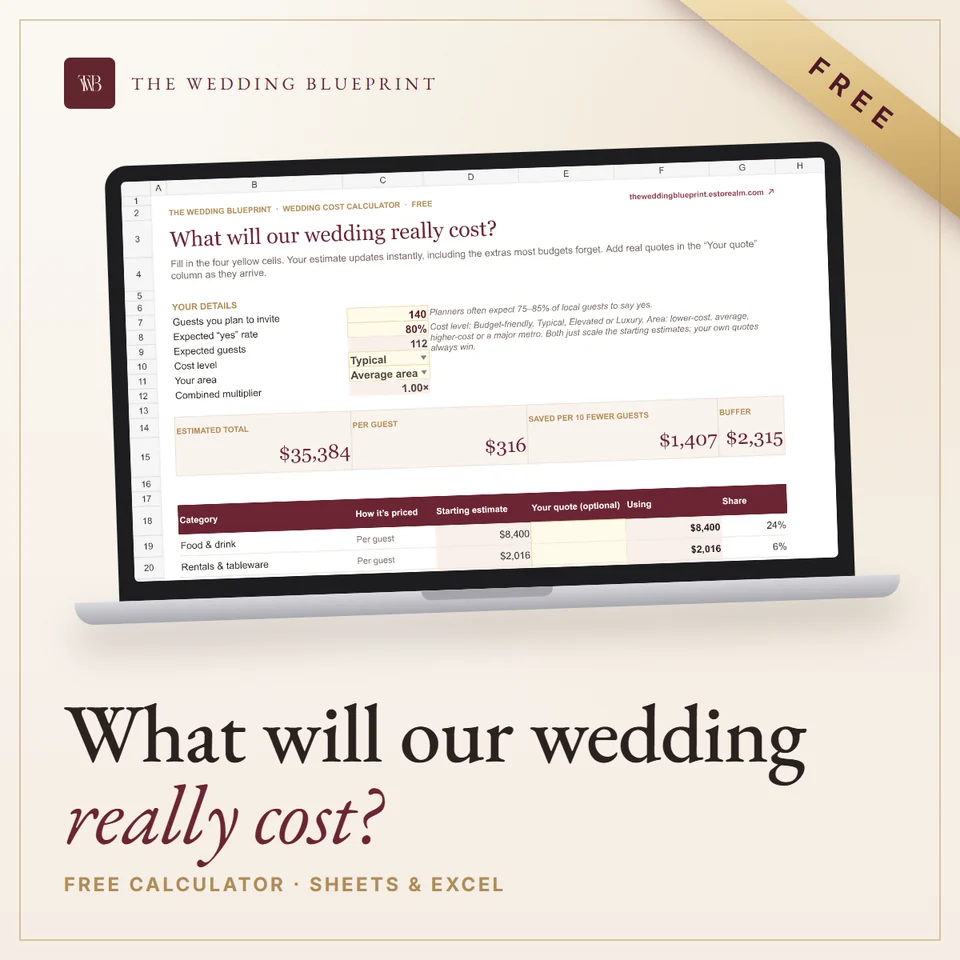
Not ready to buy? Start with a free planner: What will our wedding really cost?.
Get it free See all fivePairs well with
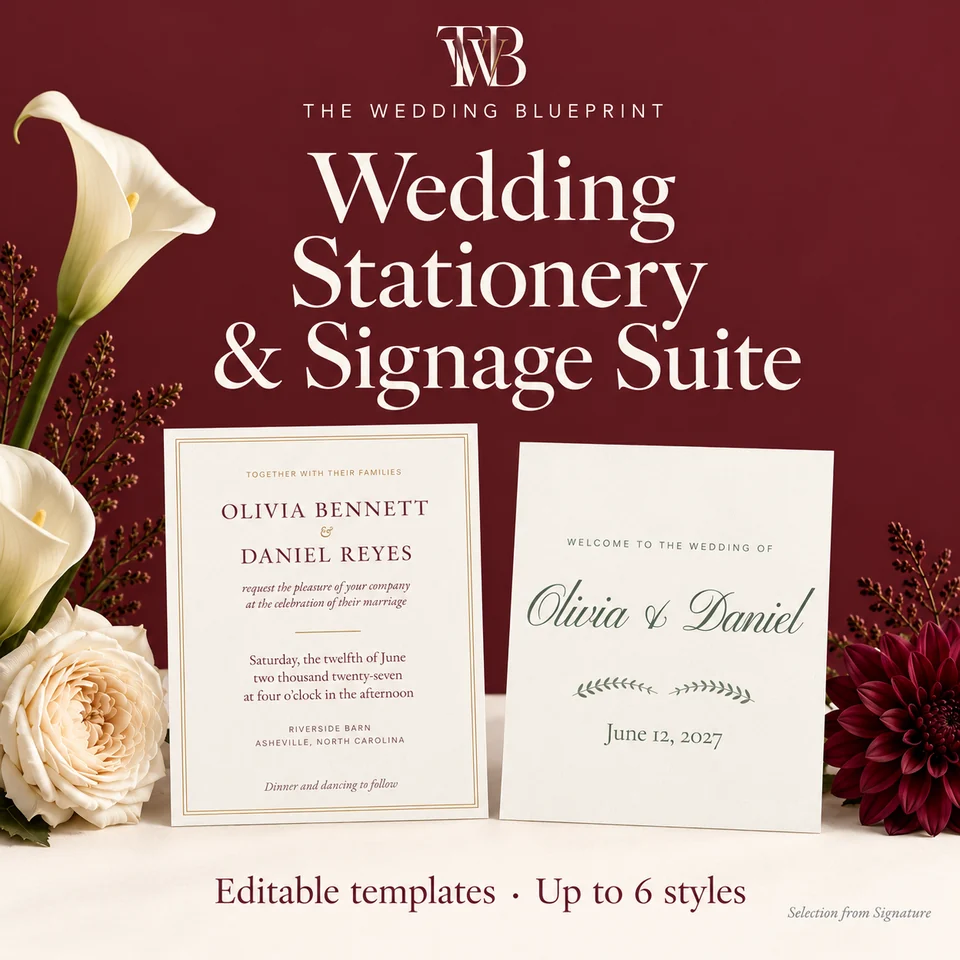 50% offEditable invitations, signs & table numbersWedding Stationery & Signage SuiteInvitations, RSVPs, menus, signs and table numbers that match, in up to six styles.From$38.50
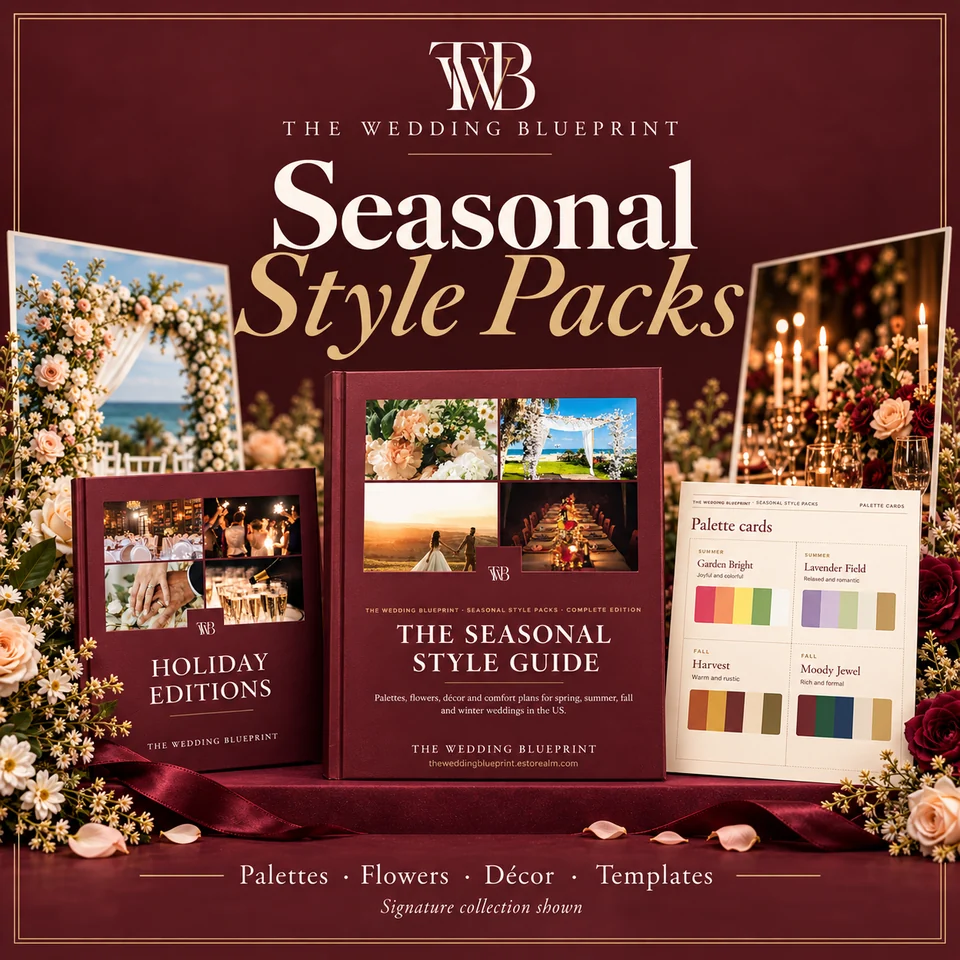 50% offPalettes, flowers in season, décor & templatesSeasonal Style PacksPalettes, flowers in season, décor and menus for spring, summer, fall and winter weddings.From$29.50
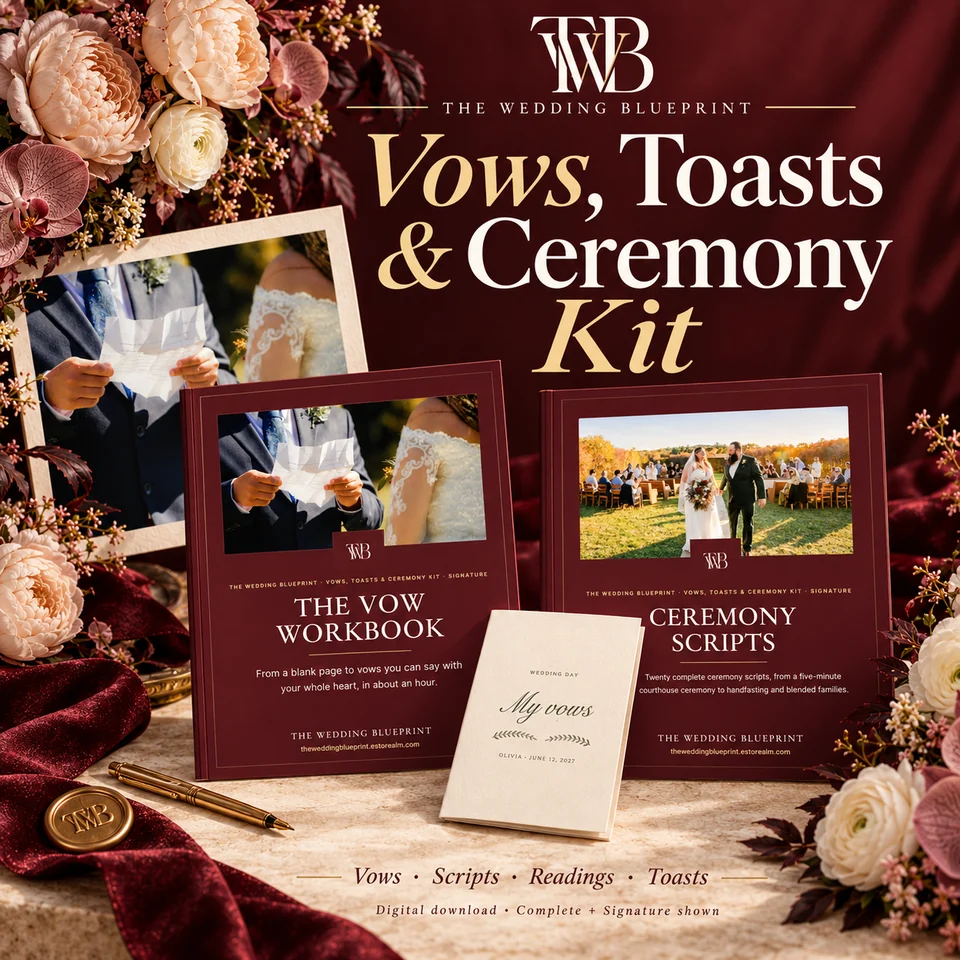 50% offVow workbook, ceremony scripts, readings & toastsVows, Toasts & Ceremony KitA vow workbook, 20 ceremony scripts, readings and toast templates, editable in Word.From$28.50
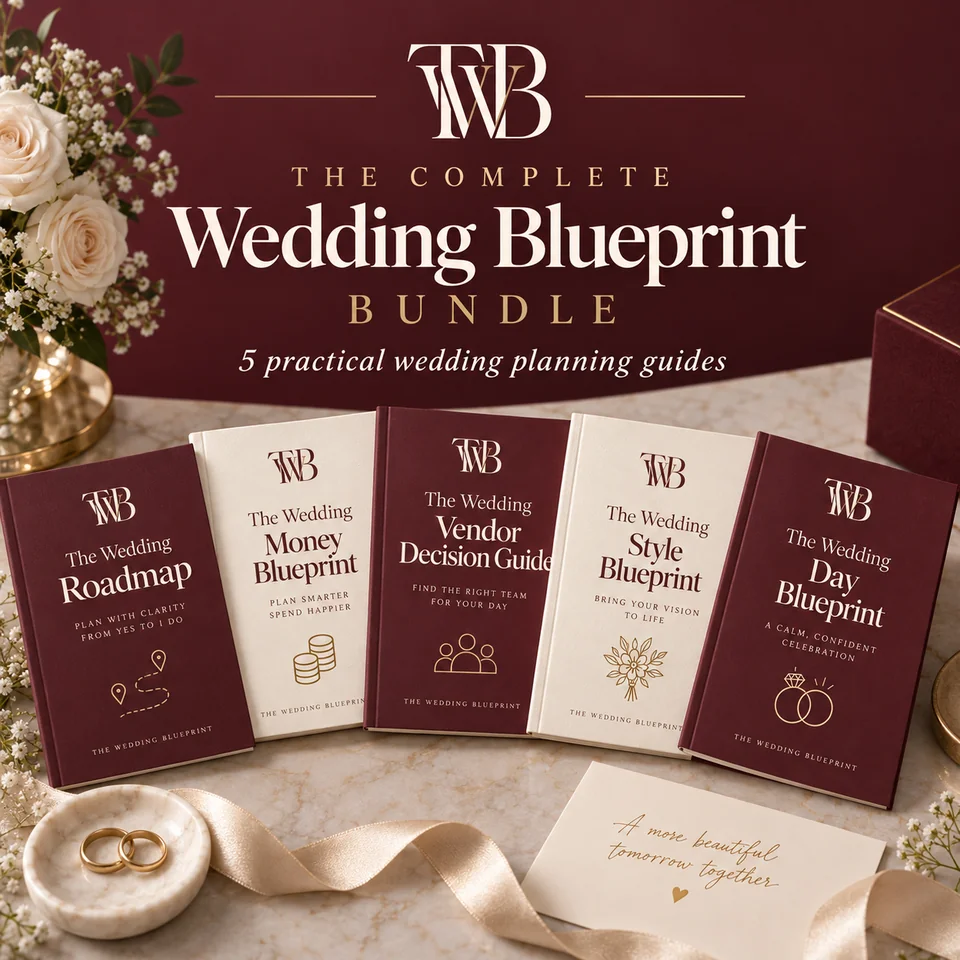 50% off5 PDF planning guidesThe Complete Wedding BlueprintPlan it, price it, book it, style it, run it: the reasoning behind every decision.$18.50
The planning letter
A short note for your planning season: one idea worth knowing, one tool to try, and a reminder of what matters this month. No spam, ever.
We use analytics cookies to understand how visitors use our site. Functional cookies (session and page variant) are always set. See our Privacy Policy.