
Everything matches
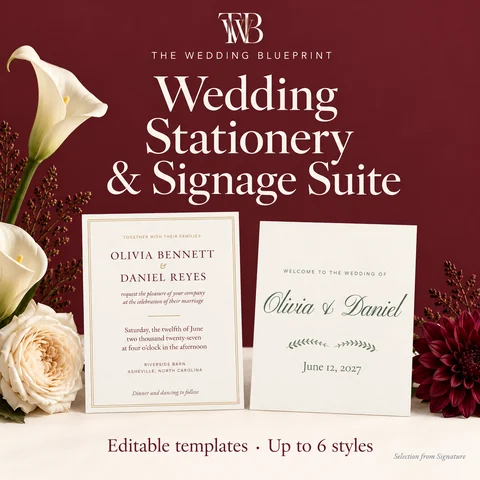
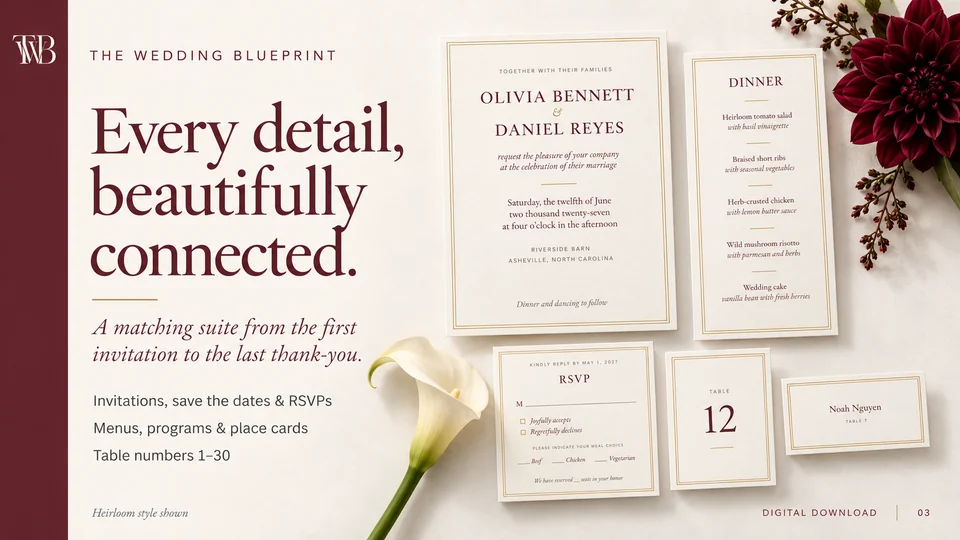
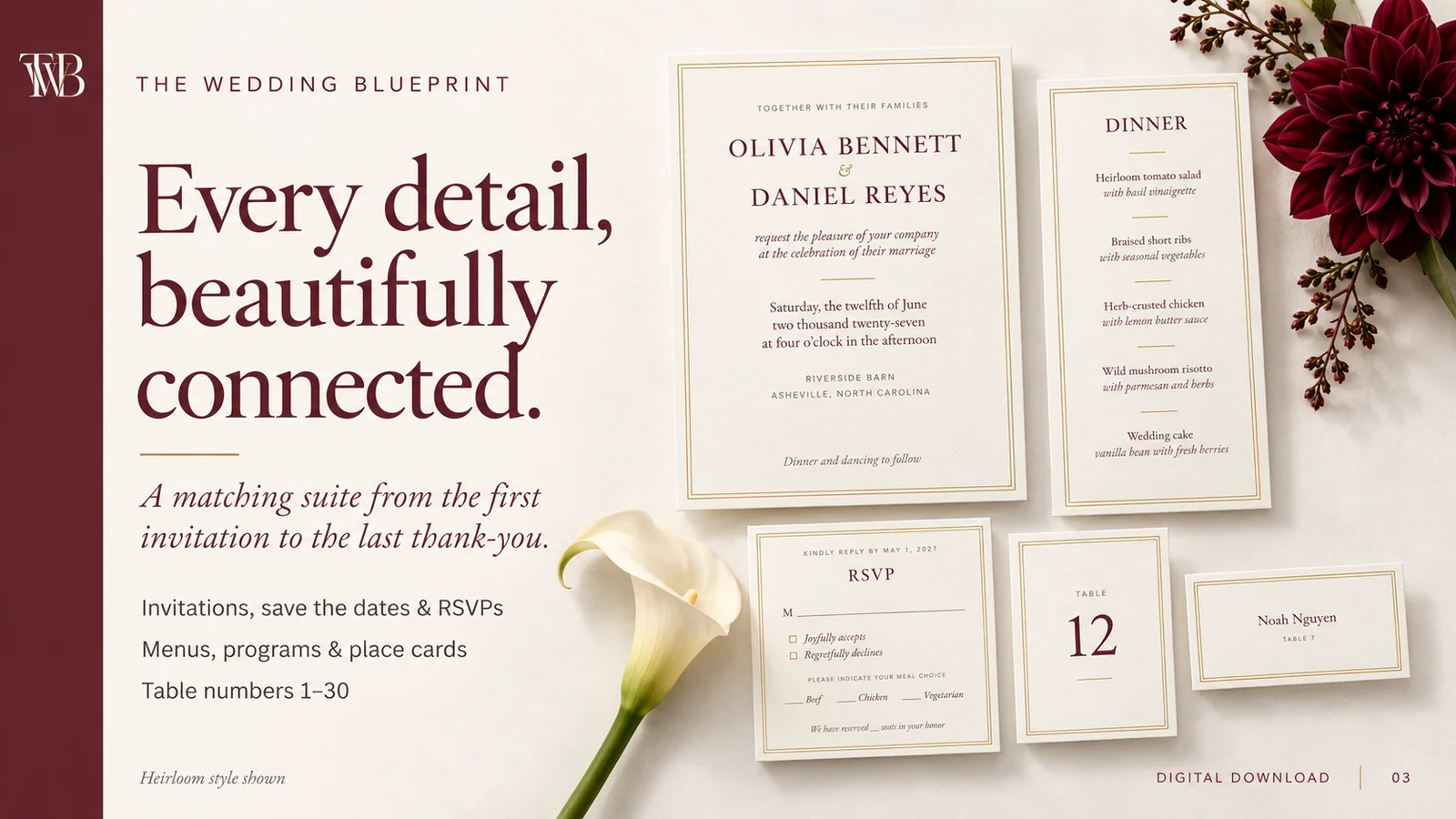
Save the date, invitation, RSVP, details and thank-you cards, menu, program and signs in one consistent style.
Planning bundles
Guides & more
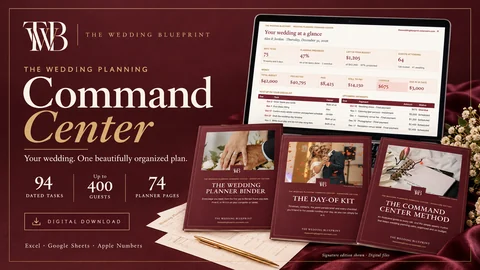 Most couples start hereThe Wedding Planning Command Center
Editable invitations, signs & table numbers
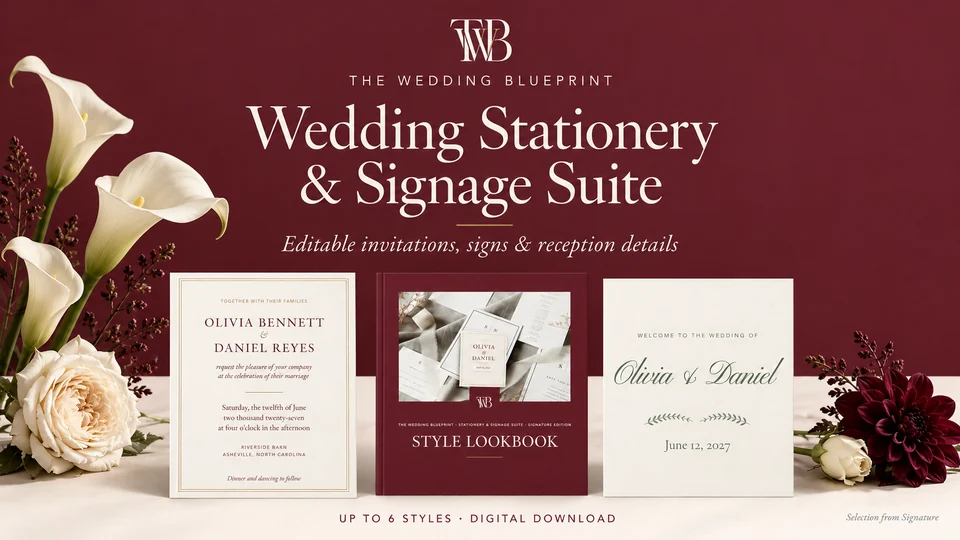
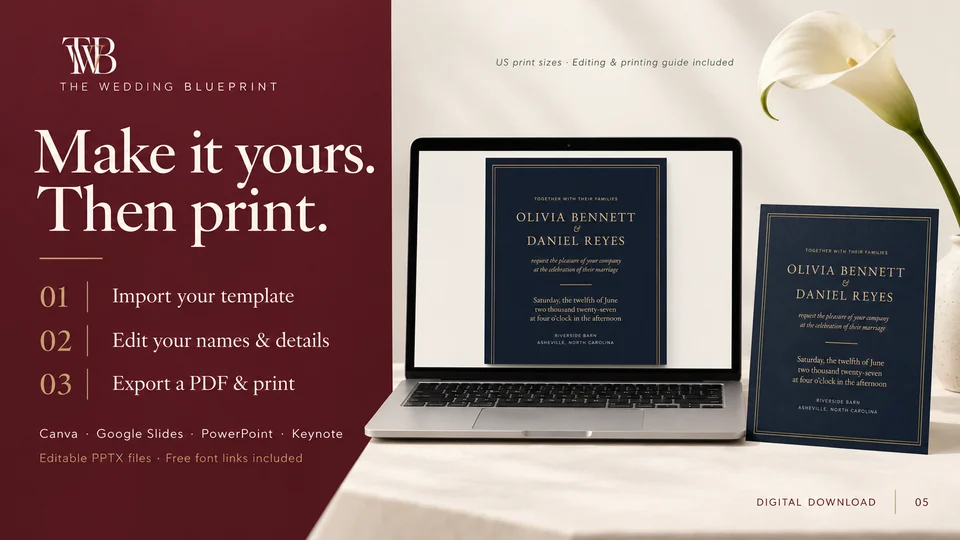
Matching invitations, save the dates, RSVP cards, menus, programs, signs and table numbers, in up to six styles. Edit in Canva, Google Slides or PowerPoint, then print anywhere.
Launch offer · 50% off, applied at checkoutThree versions, from Essentials to Signature. You choose on the next page.

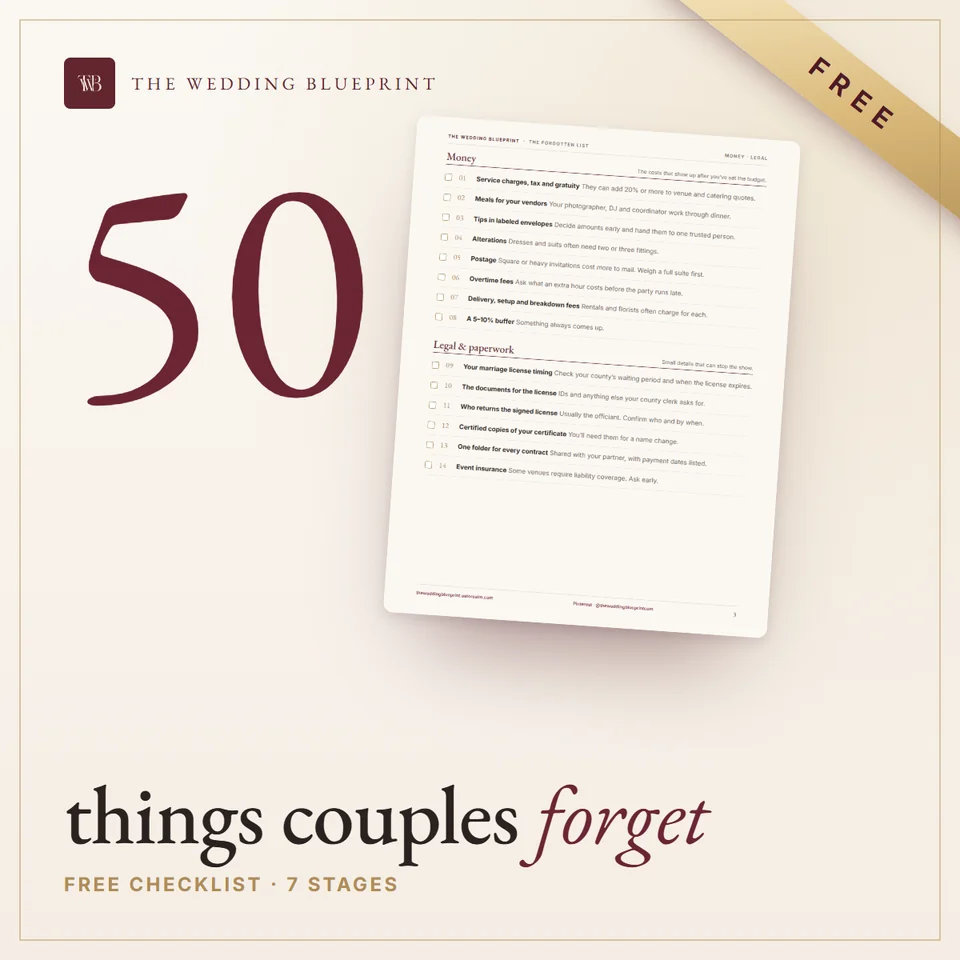
Made by The Wedding Blueprint, the team behind 115 researched wedding articles, 40 wedding topics and 26 free planning tools. Written for US weddings.
How we researchWhy couples use it
Most couples piece their paper together from different shops and end up with a save the date that doesn’t match the menu. Every piece in a style here matches, from the first envelope to the last table number, and every design is already at its US print size.
Save the date, invitation, RSVP, details and thank-you cards, menu, program and signs in one consistent style.
Heirloom, Modern, Garden, Arch, Evening and Romance: classic to modern, garden party to black tie.
Invitation wording for every family situation, RSVP lines, thank-you notes and envelope addressing.
Look inside
What’s inside
The suite comes in three versions. Essentials is one complete style, Heirloom. Complete gives you three styles plus the Wording & Etiquette Guide; it’s the one most couples choose. Signature has all six styles, plus shower, engagement and rehearsal invitations, extra signs and social posts.
How it works
Free Canva and free Google Slides, plus PowerPoint and Keynote. The fonts are free Google Fonts, already built into Canva and Google Slides.
Questions
Lost your download? Use your Gumroad library or reply to your receipt.
No. The templates import into free Canva, and they also work in free Google Slides.
Yes. Everything is editable.
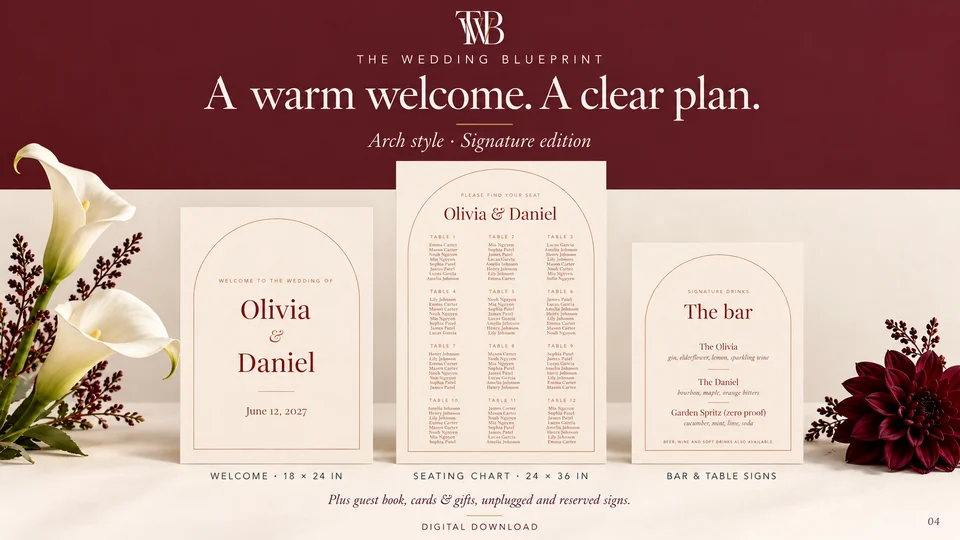
US print sizes: 5 × 7 in invitations, 4.25 × 5.5 in cards, 4 × 9 in menus, 8 × 10 in signs, 18 × 24 in and 24 × 36 in posters, 4 × 6 in table numbers and 3.5 × 2 in place cards.
If you already know your style, Essentials or Complete is plenty; most couples choose Complete for the three styles and wording guide. Signature is for couples who want every event and every style.
Yes, for most pieces. The printing guide covers paper weights, print shops and bleed for colored backgrounds.
Wedding Stationery & Signage Suite
Choose Essentials, Complete or Signature on Gumroad. Instant download, secure checkout.
Pairs well with
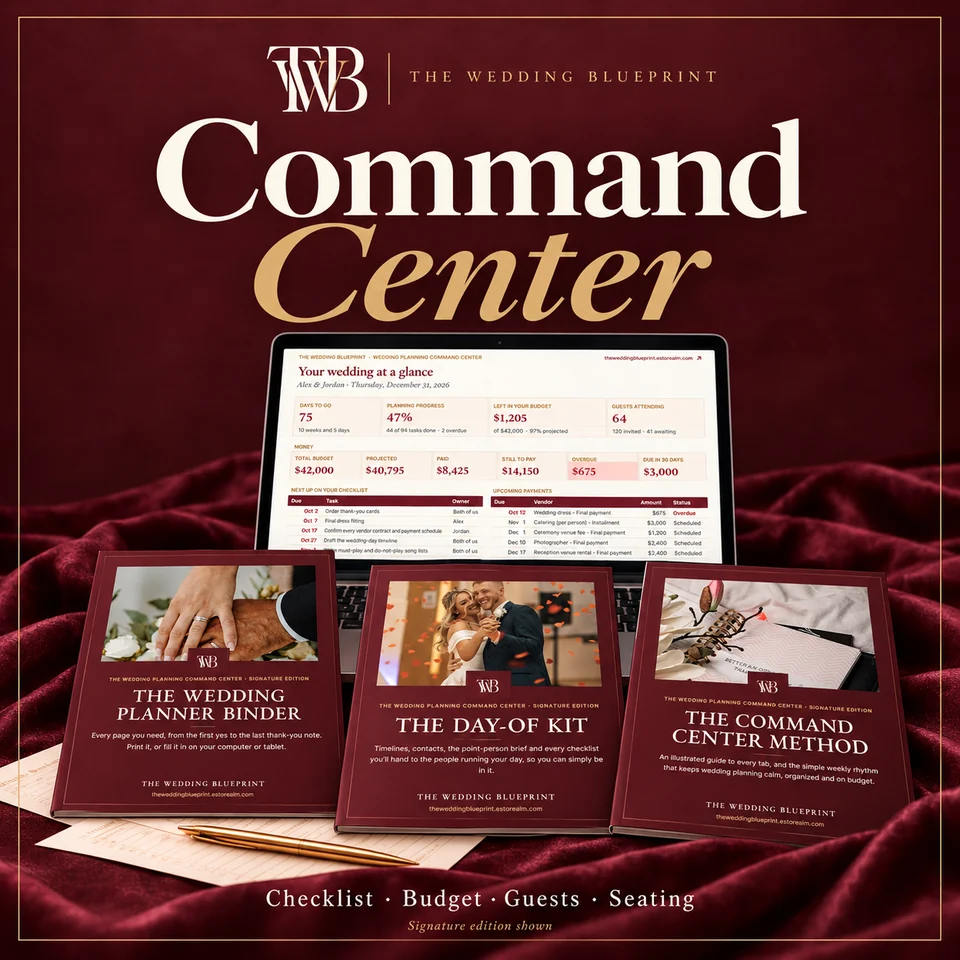 50% offWedding planner spreadsheet + printable plannerThe Wedding Planning Command CenterChecklist, budget, payments, guests, seating and vendors in one workbook that does the math.From$48.50
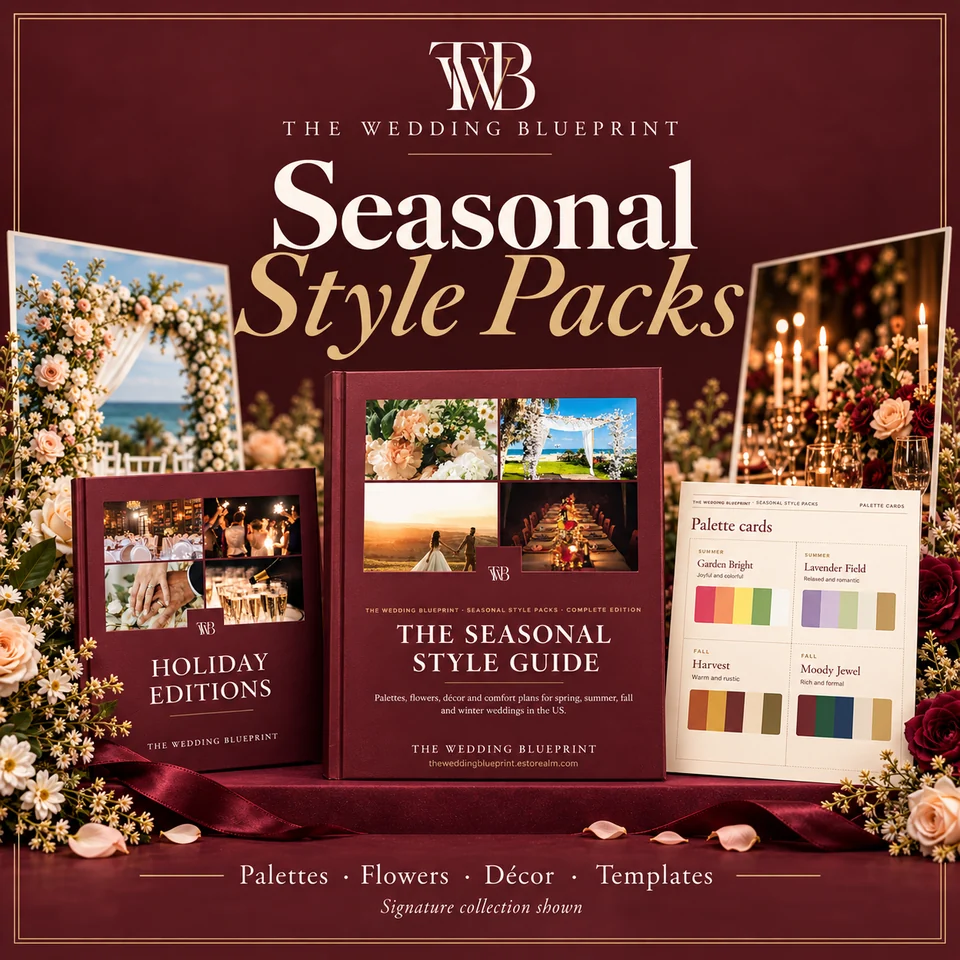 50% offPalettes, flowers in season, décor & templatesSeasonal Style PacksPalettes, flowers in season, décor and menus for spring, summer, fall and winter weddings.From$29.50
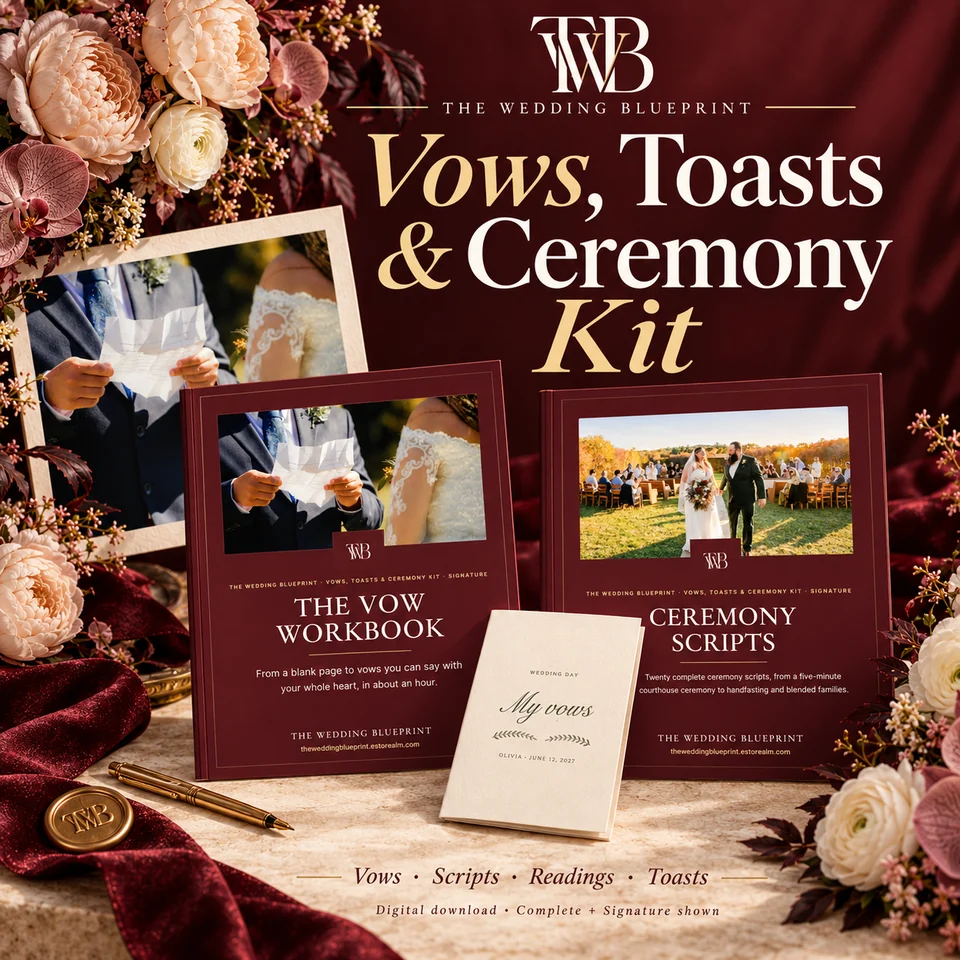 50% offVow workbook, ceremony scripts, readings & toastsVows, Toasts & Ceremony KitA vow workbook, 20 ceremony scripts, readings and toast templates, editable in Word.From$28.50
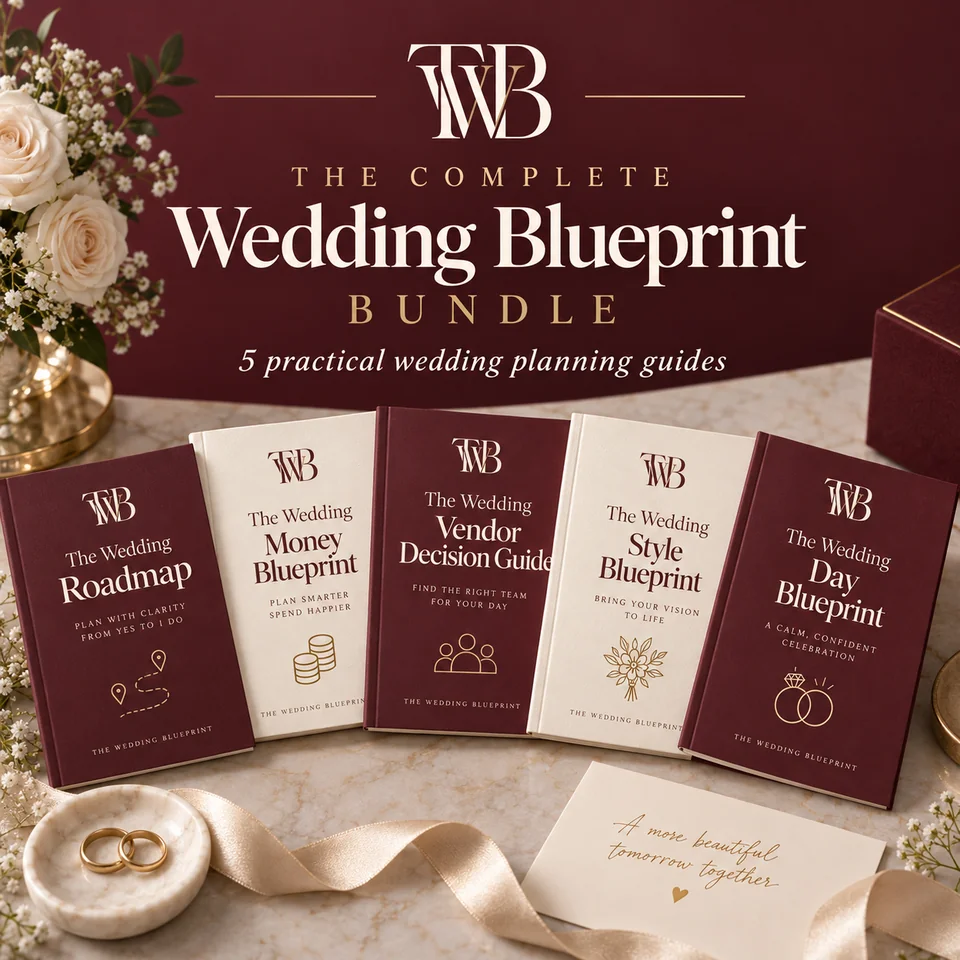 50% off5 PDF planning guidesThe Complete Wedding BlueprintPlan it, price it, book it, style it, run it: the reasoning behind every decision.$18.50
The planning letter
A short note for your planning season: one idea worth knowing, one tool to try, and a reminder of what matters this month. No spam, ever.
We use analytics cookies to understand how visitors use our site. Functional cookies (session and page variant) are always set. See our Privacy Policy.